1
เครื่องเสมือน : Virtual Machine & Containner / [Docker] วิธีติดตั้ง N8N บน Docker
« เมื่อ: สิงหาคม 08, 2026, 02:16:09 pm »
n8n รองรับการตั้งค่า URL สำหรับ Webhook/Editor ผ่าน environment variables

 แสดงกระทู้
This section allows you to view all posts made by this member. Note that you can only see posts made in areas you currently have access to.
sudo apt remove -y docker.io docker-compose docker-doc podman-docker containerd runcถ้ายังไม่เคยติดตั้ง Docker คำสั่งนี้ไม่มีปัญหาครับsudo apt updatesudo apt install -y ca-certificates curlsudo install -m 0755 -d /etc/apt/keyringssudo curl -fsSL https://download.docker.com/linux/ubuntu/gpg -o /etc/apt/keyrings/docker.ascsudo chmod a+r /etc/apt/keyrings/docker.ascsudo apt updateจากนั้น:sudo apt install -y docker-ce docker-ce-cli containerd.io docker-buildx-plugin docker-compose-pluginจะได้:docker --versionตัวอย่าง: Docker version 28.x.x, build ...docker compose versionควรได้ประมาณ : Docker Compose version v2.x.xdocker-composesudo docker run hello-worldถ้าสำเร็จจะขึ้นประมาณ:sudo usermod -aG docker $USERexitdocker psถ้าไม่ขึ้น : permission denied แสดงว่าใช้งานได้แล้วsudo systemctl enable dockersudo systemctl enable containerdเริ่มบริการ:sudo systemctl start dockerตรวจสอบ:sudo systemctl status dockerควรเห็น: Active: active (running)
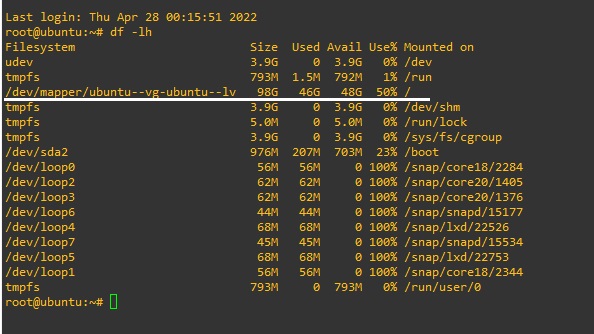
vgdisplaylvextend -l +100%FREE /dev/mapper/ubuntu--vg-ubuntu--lvresize2fs /dev/mapper/ubuntu--vg-ubuntu--lv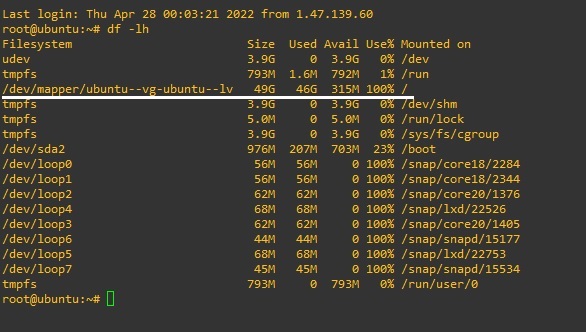
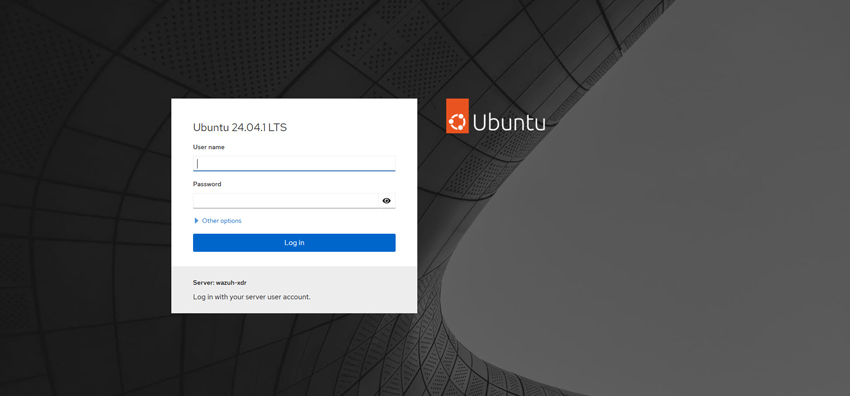
sudo apt-get install cockpit -ysudo systemctl enable --now cockpit.socketsudo sed -i -e "s|mirrorlist=|#mirrorlist=|g" /etc/yum.repos.d/CentOS-*sudo sed -i -e "s|#baseurl=http://mirror.centos.org|baseurl=http://vault.centos.org|g" /etc/yum.repos.d/CentOS-*sudo dnf updatesudo dnf install centos-release-streamsudo dnf swap centos-{linux,stream}-repossudo dnf distro-syncsudo reboot
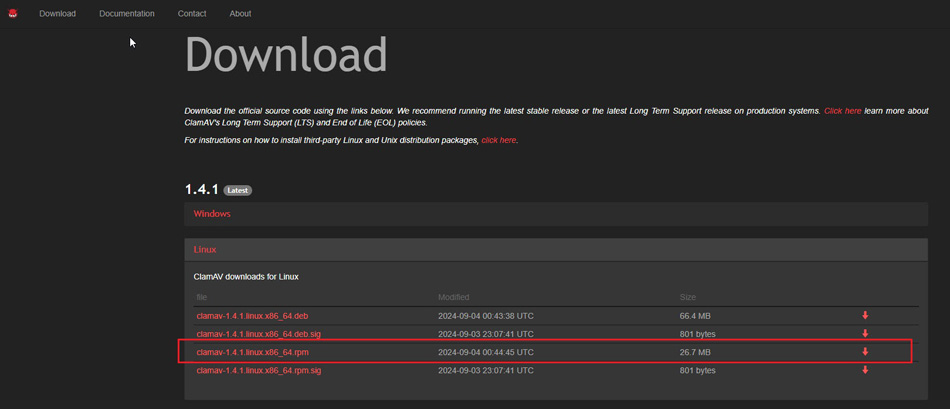
rpm -Uvh --nodeps --force clamav-1.4.1.linux.x86_64.rpm
dnf info clamav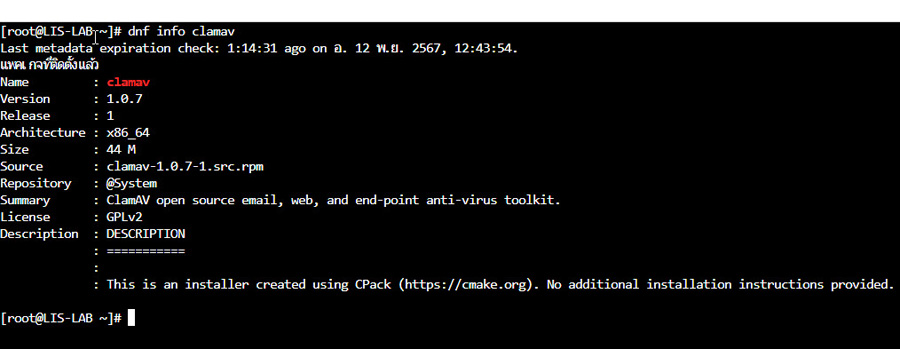
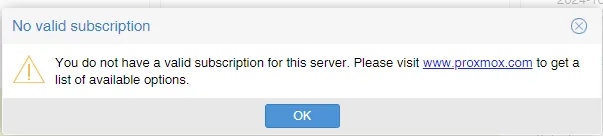

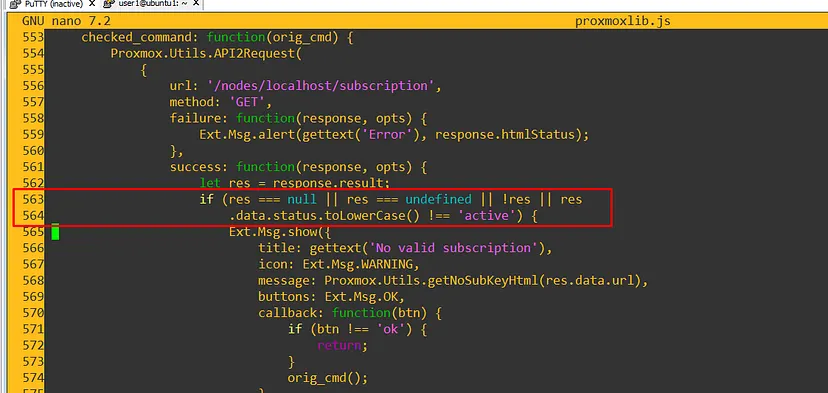
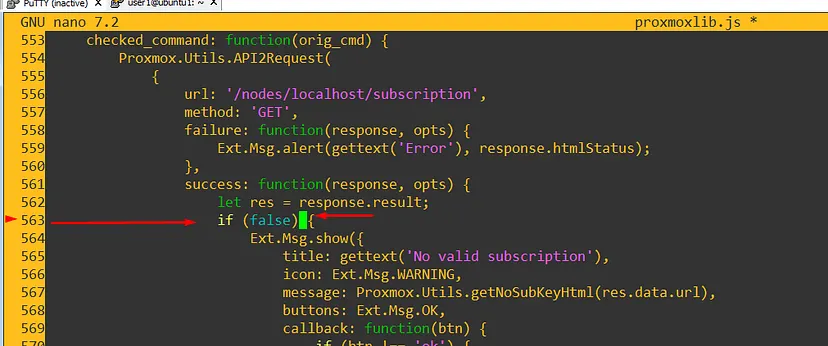
cd /usr/share/javascript/proxmox-widget-toolkit/cp proxmoxlib.js proxmoxlib.js-bk

systemctl restart networking.serviceifdown ens33ifup ens33
lsblkอธิบาย : เป็นคำสั่งแสดงจำนวน disk บน proxmoxdf -hTอธิบาย : เป็นคำสั่งแสดงจำนวน Partition บน proxmoxvgsอธิบาย : เป็นคำสั่งแสดง volume grouppvslvsอธิบาย : เป็นคำสั่งแสดง logical volumepvcreate /dev/sdhอธิบาย : เป็นคำสั่งสร้าง physical volume จาก disk ชื่อ sdh ซึ่งค้นหาชื่อโดยคำสั่ง = lsblkvgextend LV3-Thin /dev/sdhอธิบาย : เป็นคำสั่งขยาย disk ของ LV3-Thin จาก sdhlvextend -l +100%Free LV3-Thin/LV3-Thinอธิบาย : เป็นคำสั่งขยาย LV3-Thin ให้ 100% ของ disk ที่เหลือ
yum install https://dl.fedoraproject.org/pub/epel/epel-release-latest-7.noarch.rpmyum install google-authenticator สำหรับ cent osapt install libpam-google-authenticator สำหรับ ubuntugoogle-authenticatorDo you want authentication tokens to be time-based (y/n) y
Do you want me to update your "/root/.google_authenticator" file? (y/n) y
Do you want to disallow multiple uses of the same authentication token? This restricts you to one login about every 30s, but it increases your chances to notice or even prevent man-in-the-middle attacks (y/n) y
By default, a new token is generated every 30 seconds by the mobile app.
In order to compensate for possible time-skew between the client and the server,we allow an extra token before and after the current time. This allows for a time skew of up to 30 seconds between authentication server and client. If you experience problems with poor time synchronization, you can increase the window from its default size of 3 permitted codes (one previous code, the current code, the next code) to 17 permitted codes (the 8 previous codes, the current code, and the 8 next codes). This will permit for a time skew of up to 4 minutes between client and server.
Do you want to do so? (y/n) y
If the computer that you are logging into isn't hardened against brute-force login attempts, you can enable rate-limiting for the authentication module. By default, this limits attackers to no more than 3 login attempts every 30s.
Do you want to enable rate-limiting? (y/n) y
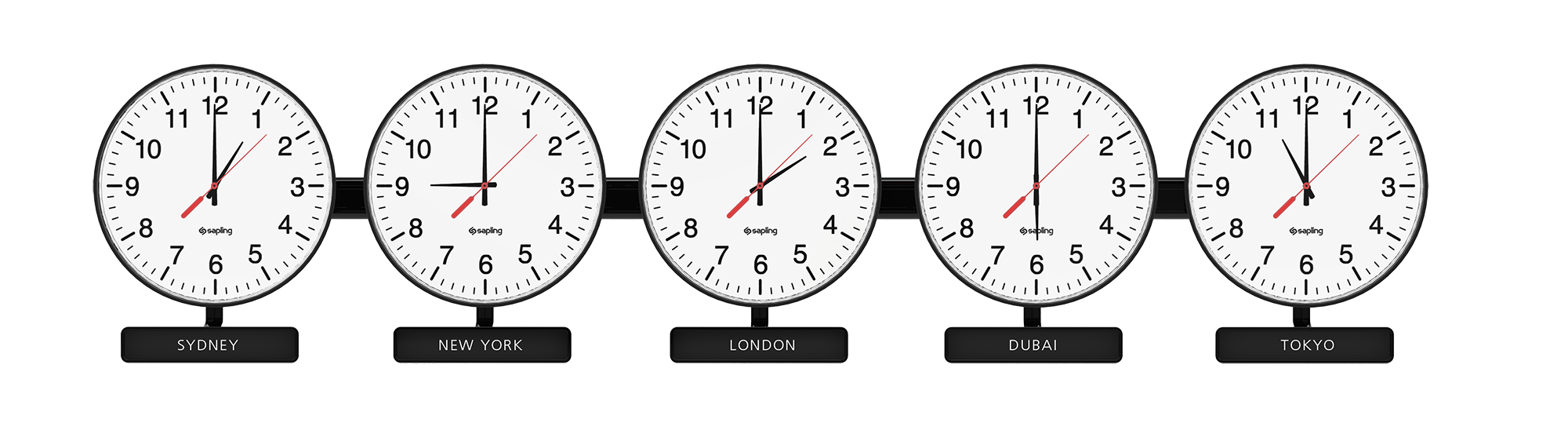
lsb_release -a
date
timedatectl
timedatectl list-timezones
timedatectl set-timezone Asia/Bangkok
timedatectl
date